
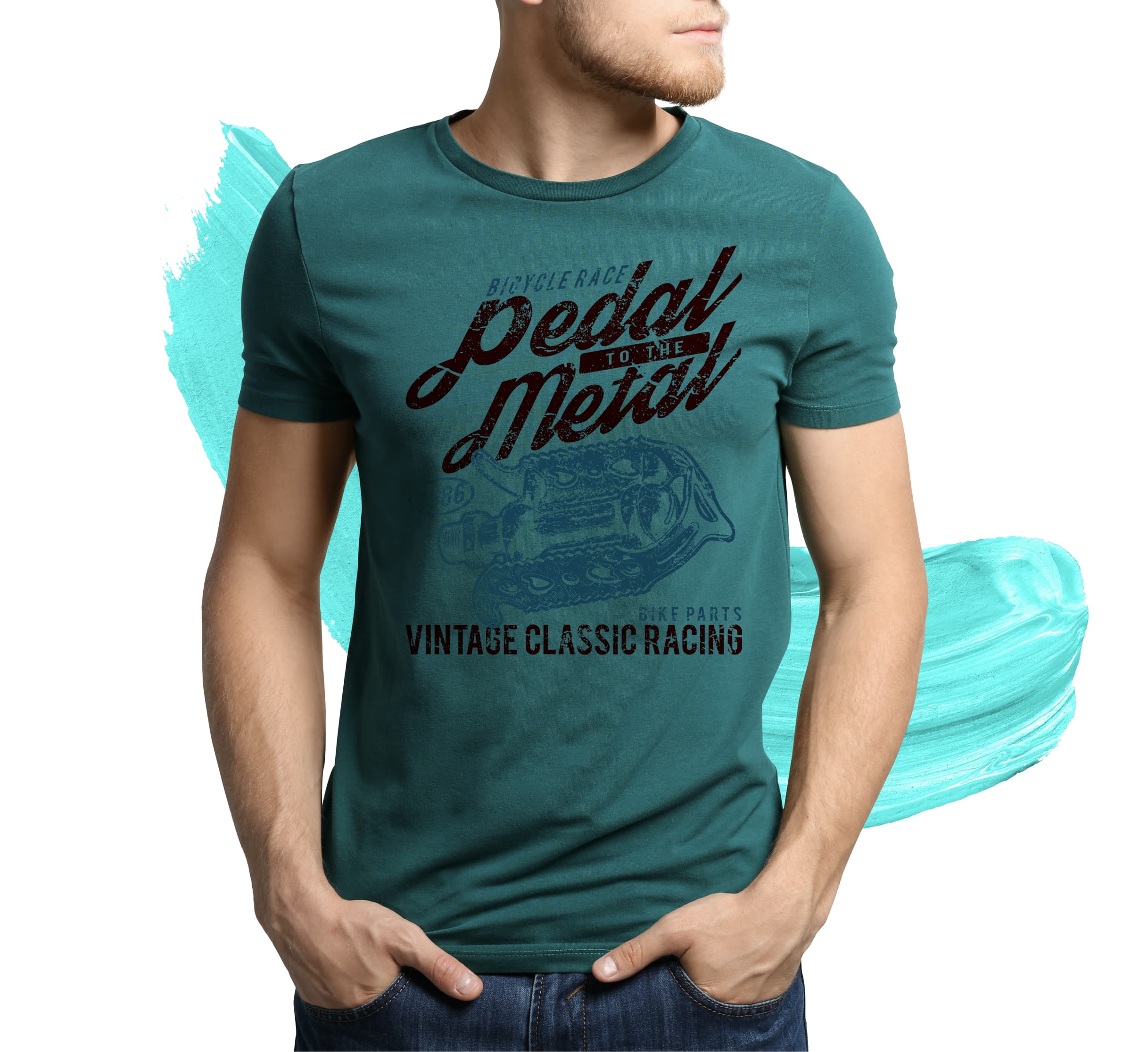
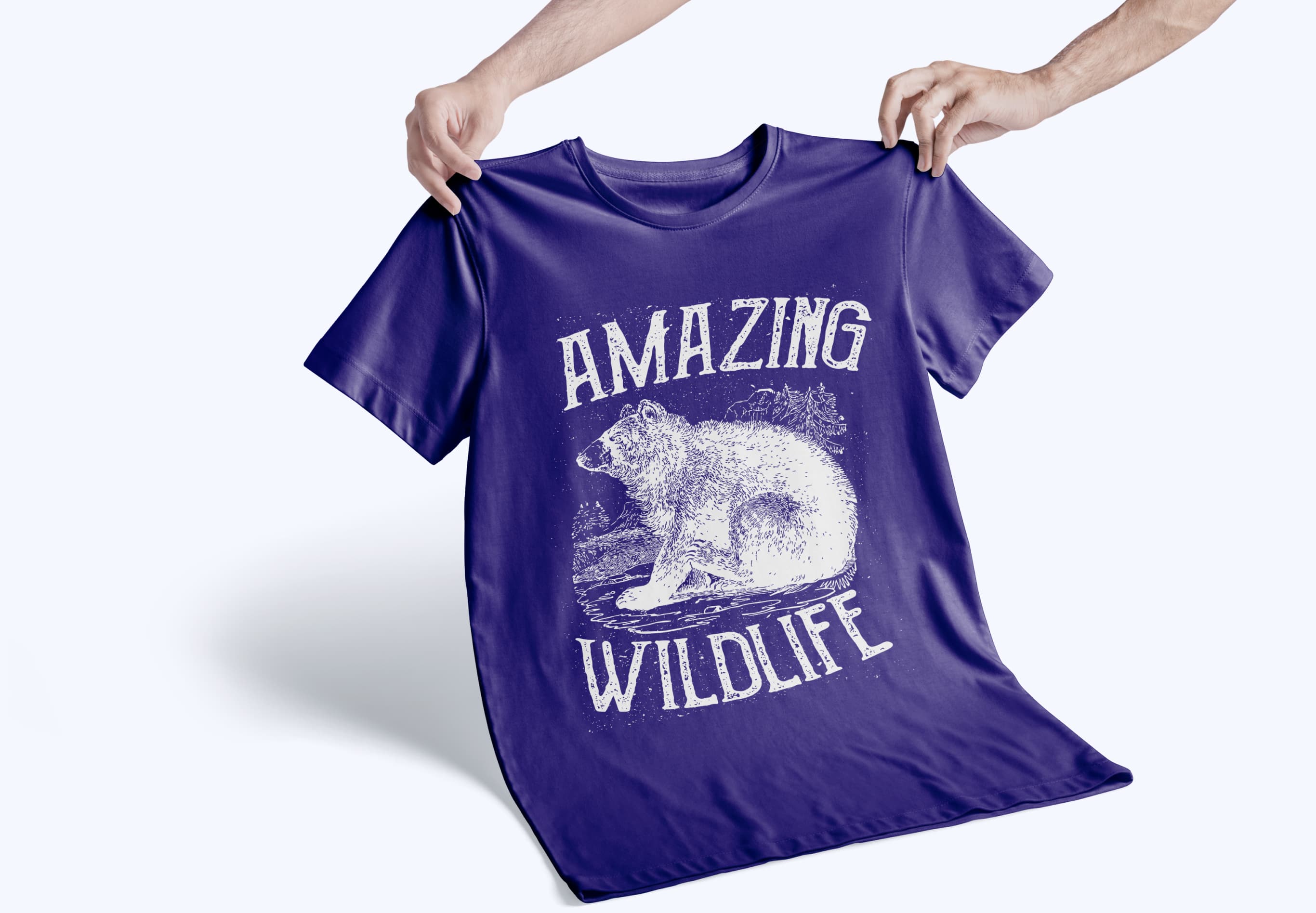
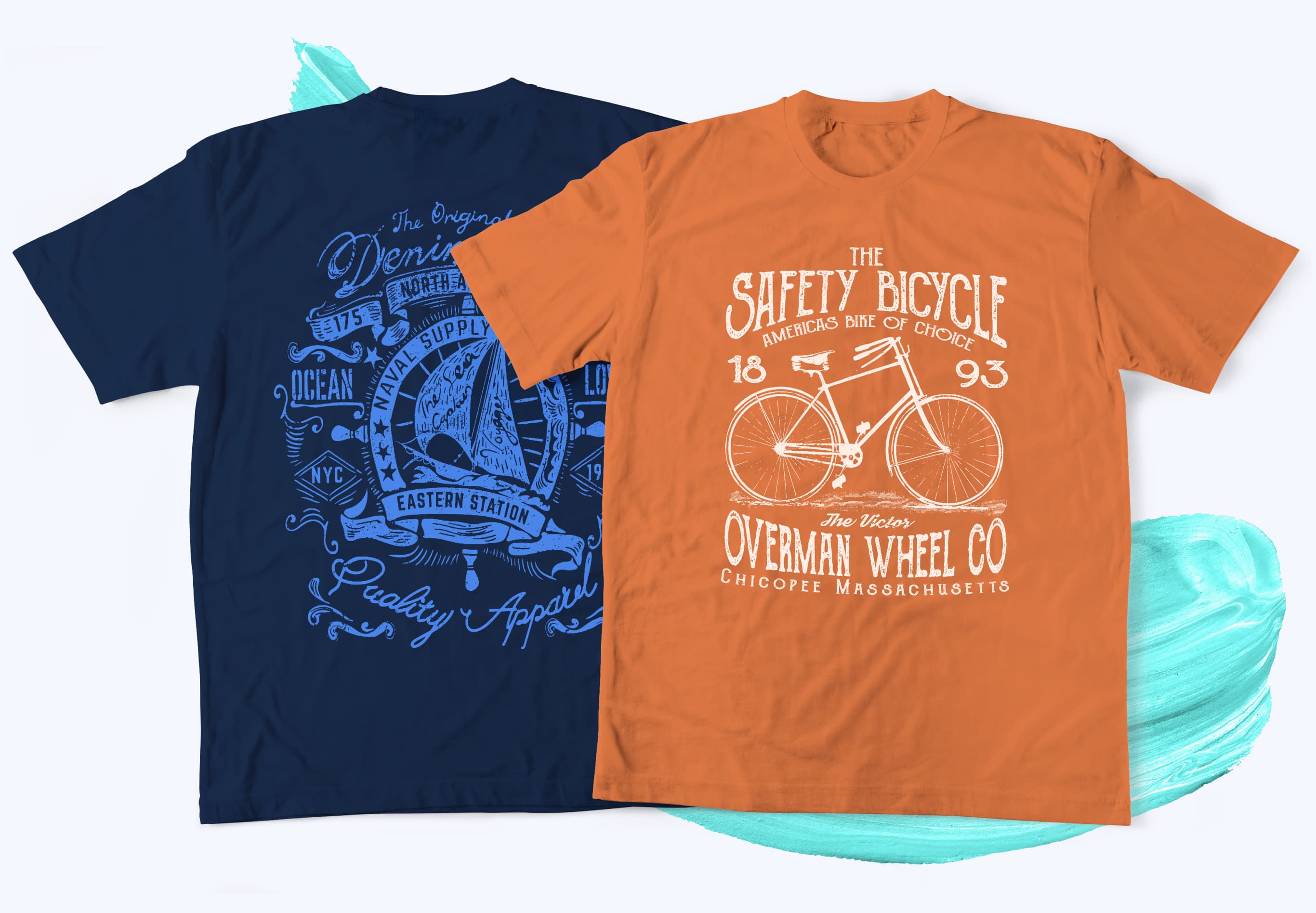
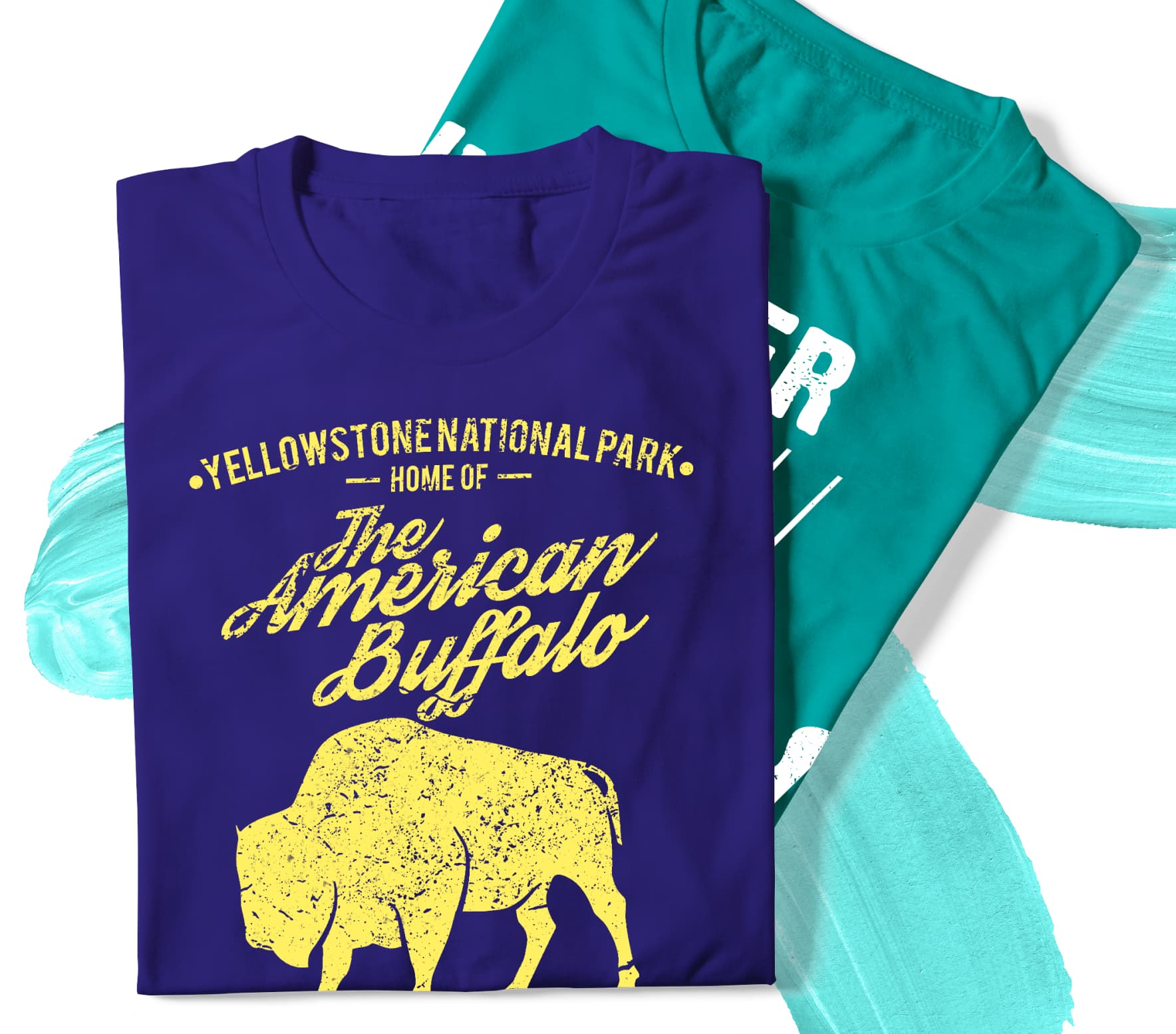
Our softest formula ever! Vintage screen-printed transfers are perfect for "old school" retro and distressed looks. Lower opacity lets the garment color show through for that authentic vintage feel. Choose from 28 stock colors with no extra charge.

1-3 Color(s)

Soft Feel

Lights & Darks

Easy
Application
| QTY | 9" x 12.75" | 12" x 12" |
|---|---|---|
| 10 | $4.60 | $6.00 |
| 25 | $2.00 | $2.70 |
| 50 | $1.10 | $1.50 |
| 100 | $0.75 | $1.00 |
| 200 | $0.50 | $0.70 |
| 300 | $0.45 | $0.60 |
| 500 | $0.35 | $0.45 |
| 1000 | $0.30 | $0.40 |
| S | M | L | L2 | XL | |
|---|---|---|---|---|---|
| QTY | 4"x6" | 6"x9" | 9"x12.75" | 12"x12" | 12.75"x19" |
| 8 | $6.25 | $7.75 | $8.50 | $9.50 | $10.25 |
| 16 | $3.30 | $4.00 | $4.60 | $5.25 | $6.25 |
| 24 | $2.20 | $2.85 | $3.70 | $3.70 | $4.35 |
| 32 | $1.85 | $2.25 | $2.80 | $3.15 | $3.70 |
| 48 | $1.60 | $2.00 | $2.30 | $2.65 | $2.90 |
| 72 | $1.30 | $1.70 | $1.95 | $2.25 | $2.50 |
| 96 | $1.05 | $1.45 | $1.70 | $1.90 | $2.10 |
| 144 | $0.75 | $1.35 | $1.50 | $1.70 | $1.80 |
| 288 | $0.60 | $0.95 | $1.15 | $1.30 | $1.45 |
| 512 | $0.50 | $0.80 | $0.90 | $1.00 | $1.10 |
| 1000 | $0.45 | $0.75 | $0.85 | $0.95 | $1.05 |
White
Black
Cool Gray
9C
Dark Gray
7543C
Light Gray
428C
Maroon
209C
Red
187C
Burgundy
194c
Fire Red
199C
Hot Pink
232C
Pink
1905C
Orange
172C
Bright Orange
021C
Gold
1235C
Yellow
YellowC
Hunter Green
3435C
Kelly Green
348C
Bright Green
375C
Teal
327C
Dark Navy
289C
Navy
654C
Royal
287C
Columbia
299C
Bright Blue
306C
Light Purple
267C
Dark Brown
476C
Vegas Gold
4505C
613 Cream
Choose your sheet size from one of our (5) options below. This program allows you to add multiple images of the same or different sizes for no additional cost. We recommend adding .5" of space between each image to allow for cutting. **Flooded Sheets are not permitted!**
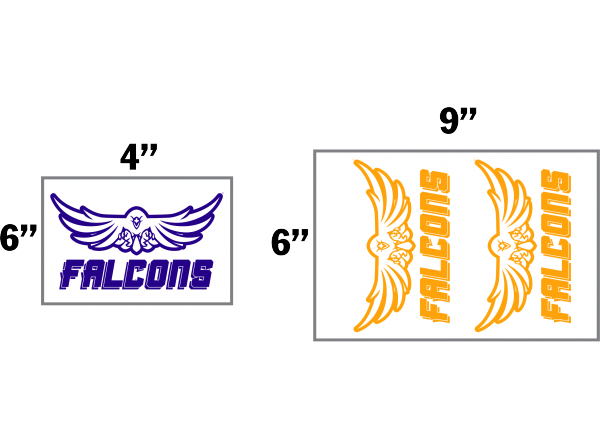
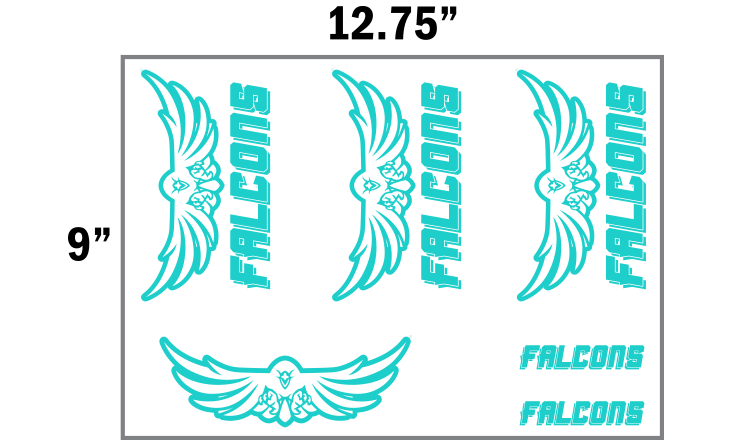
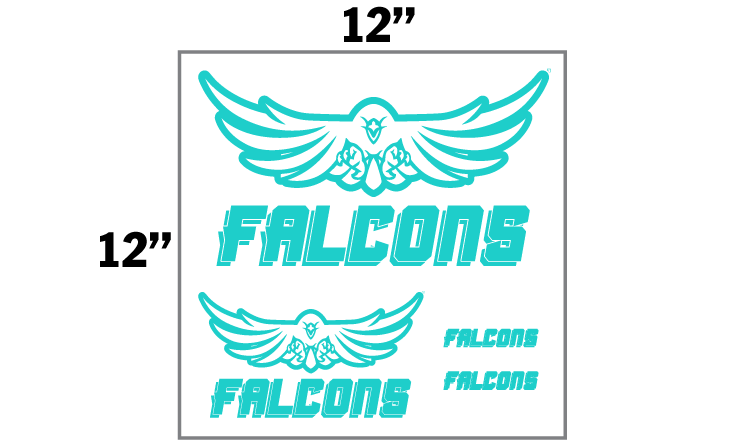
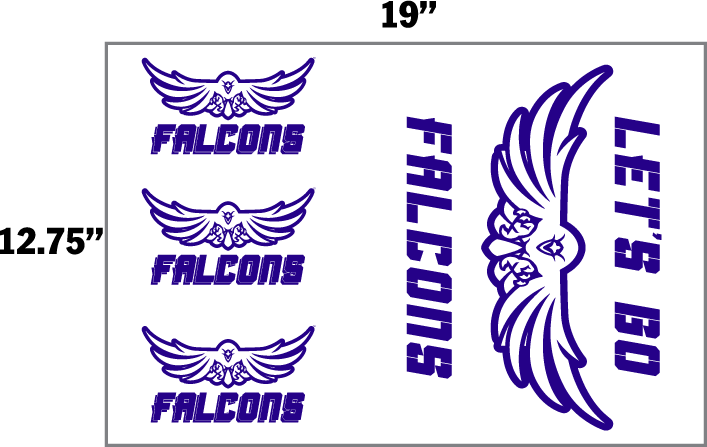
 1. Save your art file in an accepted file format
Recommended file types: PDF, AI, EPS or PSD
Accepted file types: PDF, AI, EPS, PSD, JPG, PNG or TIFF
Be sure to save your artwork as 'right-reading', or as it's intended to appear when applied. Do not upload your artwork mirrored.
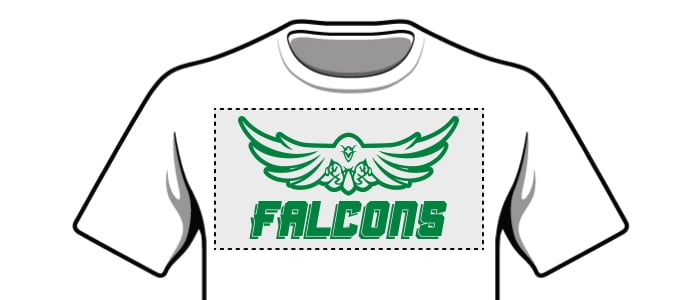 2. Send your artwork at the exact size that you want it to print.
If you select a 9"x12.75" sheet, but upload an image that is 8"x8", we will print your image at the size you uploaded (8"x8"). You are responsible for confirming your artwork's size. If you need help, we can provide artwork services for an additional fee.
 3. Use spot colors in your artwork to ensure accurate colors
Use a Pantone color book for reference. We recommend using the Pantone Solid Coated Bridge CP for best results.
Be sure you save your art as a CMYK file. Do not upload RGB artwork.
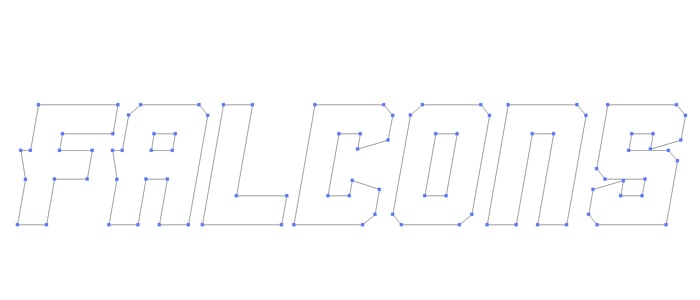 4. Convert all text to outlines
Make sure your fonts are not “live fonts” they should be converted to non-editable vectors.
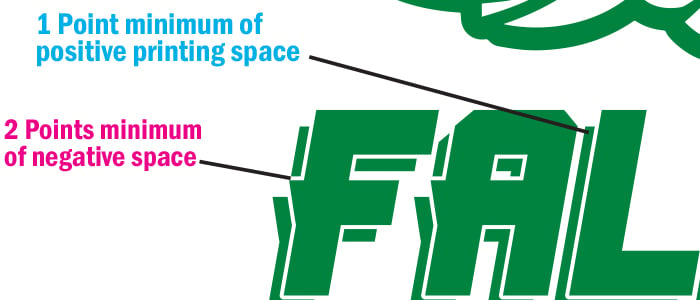 5. Check your line weights
For spot printing, all lines need to be a minimum weight of 1 pt. All negative spaces need to be a minimum thickness equivalent to 2 pts. Details that fall under this recommended spec may not print consistently or at all.

7 Seconds

375˚F
Minimum 375°F required — pressing below this temperature may cause cracking.

Automatic Machines 60 PSI
Manual Machines 8-9 / Heavy

Hot / Immediately

 Ships in 1-2 Business Days